Overview
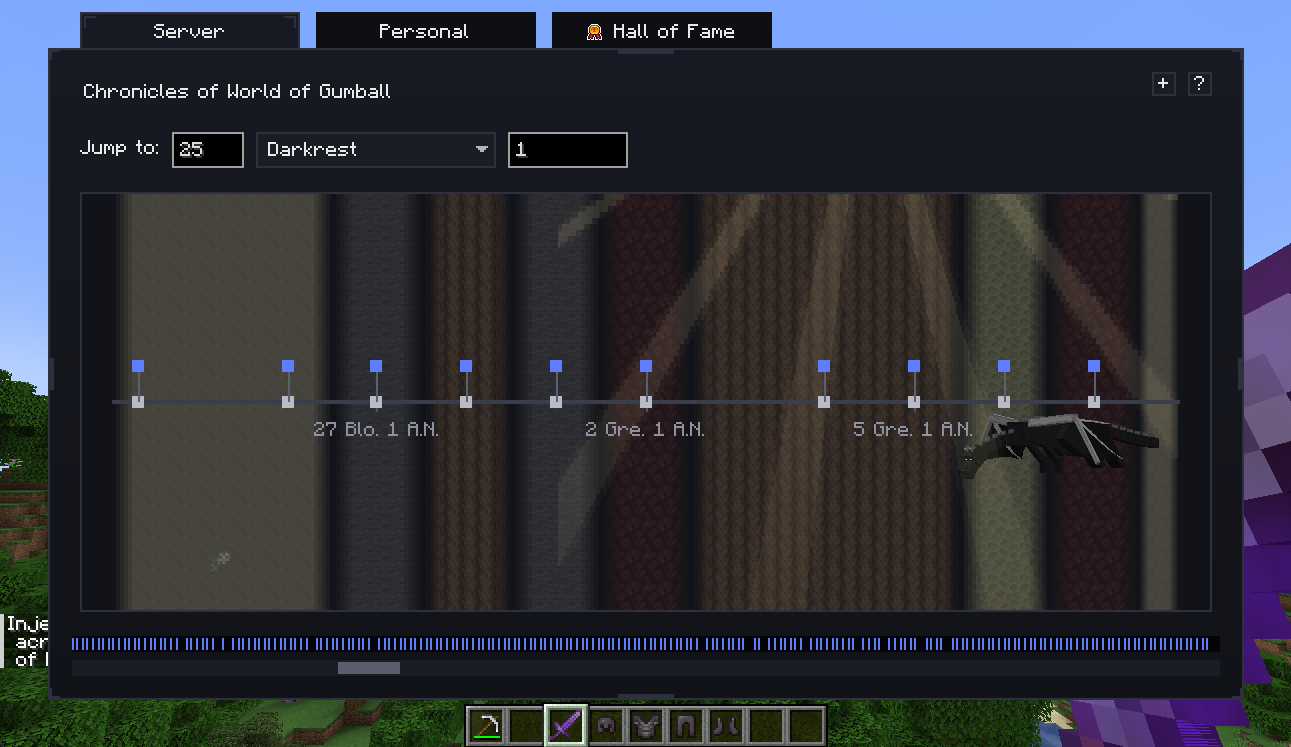
Timeline turns vanilla/modded advancement progress into a shared story layer with an in-world date system, a Chronicle timeline UI, and Hall of Fame tracking.
TLDR
- Press
Oto open the Chronicle. - Timeline records visible advancements and classifies world-first completions automatically.
- Server operators can add lore/admin notes on exact dates.
- Calendar definitions, custom goals, and timeline visuals are configurable.
- Existing worlds can import historical advancement progress at startup.
What Timeline Adds
- A configurable fantasy calendar (months, year suffix, days-per-month).
- A daily date toast on the client.
- A Chronicle screen with timeline navigation and detail panels.
- A Hall of Fame leaderboard for world-first achievements.
- Custom goals that become Chronicle entries.
- Optional retroactive import for pre-existing advancement history.
Recommended Learning Path
- Date System
- Chronicle Screen
- Hall of Fame
- Admin Notes
- Custom Goals
- Configuration
- Retroactive Import
- Compatibility
- Developer API
- Data Storage
Operational Model
Timeline is server-authoritative for gameplay data:
- events are stored server-side in SavedData
- world-first logic is computed server-side
- server and personal timelines are synced to clients via payloads
- calendar settings are synced to clients and hot-updated
Technical detail: server vs client responsibility
- Server tracks Chronicle events, Hall of Fame counts, custom-goal progress, and retroactive import state.
- Client renders UI, season particles, and daily date toast.
- Client requests full Chronicle data at login/session startup and when opening the UI if needed.
Use the rest of the wiki pages as a practical walkthrough first, then open the deep-dive blocks when you need exact implementation details.
Support This Project
Like this wiki and these mods?
Every bit of support helps me keep building features, writing docs, and shipping updates.