









Books, Sketches, Scene Memories
SketchbookRemember, Sketch, Recolour, Tear Page
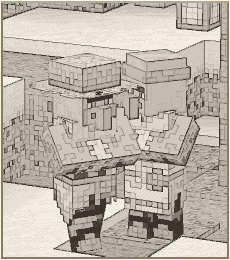
Sketchbook lets players save a view from the world, study living entities through a Spyglass, search item subjects, and place those discoveries directly inside a writable book. It turns roleplay journals into illustrated artifacts: graphite sketches, colored pencil variants, entity and item research pages, signed-book dates, and torn pages that can be framed in-world.
Install Notes
Compatibility Client, Server, Integrations
Client
Server
Singleplayer
Optional
Optional
Optional
Features
The core loop is simple: craft pencils, remember a scene, study an entity, or search an item, add it to a book, then recolor or tear it out when the story needs a physical prop.
Remember a Scene Press Z
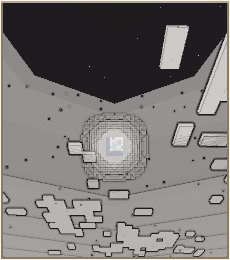
Press the Sketchbook keybind to hide the HUD for a frame, capture the center of your view, and save it as a temporary scene memory on the server.
Sketch Into Books Book and Quill
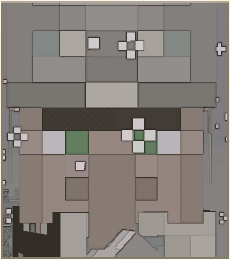
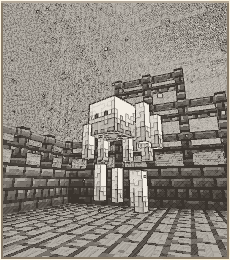
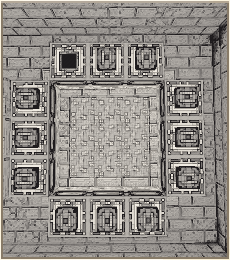
Open a writable book, right click an empty page, and Sketchbook turns your remembered view into a parchment-toned drawing stored by reference.
Study Entities Spyglass Research
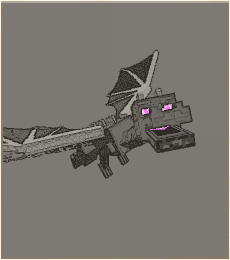
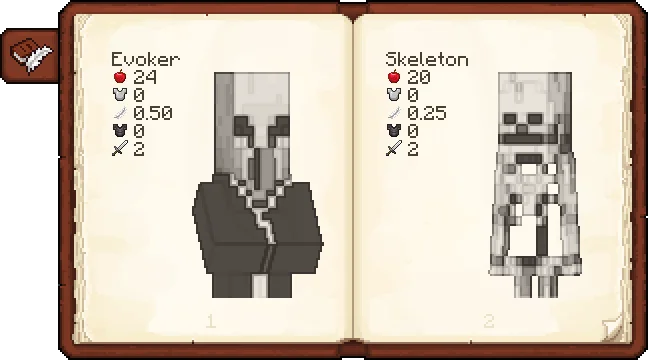
Look at a living entity through a Spyglass to identify it, then keep studying for a longer detailed scan that unlocks sketchable field notes.
Sketch Studied Entities Research Pages
Once an entity has been studied, add it to an empty book page and optionally show learned details such as health, armor, movement speed, toughness, and damage.
Sketch Items Search And Place
Choose Items from an empty page, search for a non-block item, and place a graphite item study without needing the Spyglass study loop.
Pencil Case Workflow Curios Ready
Graphite and colored pencils are detected from inventory or from the Pencil Case. With Curios installed, the case gets its own equipment slot.
Recolor Existing Sketches Color Menu
Right click an existing sketch to recolor it with selected pencils or apply all available colors while preserving the original source image.
Tear Out Pages Frameable Item
Rip a sketch out of a book to receive a Torn Sketch item. Put it in an item frame and the stored sketch renders in-world.
Scholar and Timeline Hooks Roleplay Stack
Scholar spread books and lecterns receive sketch support, and Timeline can stamp signed books with the current in-world date.
Entity Research
Study First Sketch Later
A Spyglass turns observation into a two-step field study. The first pass identifies the living entity and stores its visual variant for your player. A longer second pass records details that can be shown on the page.
- Identify a target while looking through a Spyglass within line of sight.
- Study it in greater detail to unlock optional page notes for combat and movement stats.
- Right click an empty book page and choose a studied entity from the context menu.
Item Studies
Search Items Sketch Directly
Item sketches skip the Spyglass study loop. Right click an empty page, choose Items, type into the search overlay, and Sketchbook turns the selected item model into a graphite page subject.
- Searchable subjects are registered non-block items, so tools, weapons, armour, food, and modded items can be sketched.
- Optional detail lines can show the name, durability, food values, and relevant combat or armour stats.
- Placed item sketches can be moved, scaled, recoloured, torn out, and used in compatible Scholar books.

Sketch Gallery
Captured Pages Parchment Samples
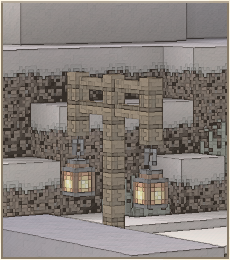
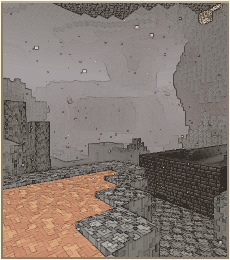
Items
Pencils and Case Textures


Credits Code + Assets
Core Credits
- Author and development: Z2SIX
- Mod icon design: FOOG (@foogFox_)
- Sketch processing, book integration, item textures, and website assets: Z2SIX
Compatibility Credits
- Scholar compatibility screenshot includes Scholar by mortuusars.
- Scholar is a separate mod by its own creator and is used here only to show Sketchbook integration.
Legal License + Scope
Custom license: Z2SIX Mod License (Code + Assets)