Getting Started
This page covers the first working setup for Infinite Upgrades.
1. Craft A Soul Cage
The Soul Cage is the storage item for soul units. Keep one in your inventory while fighting.
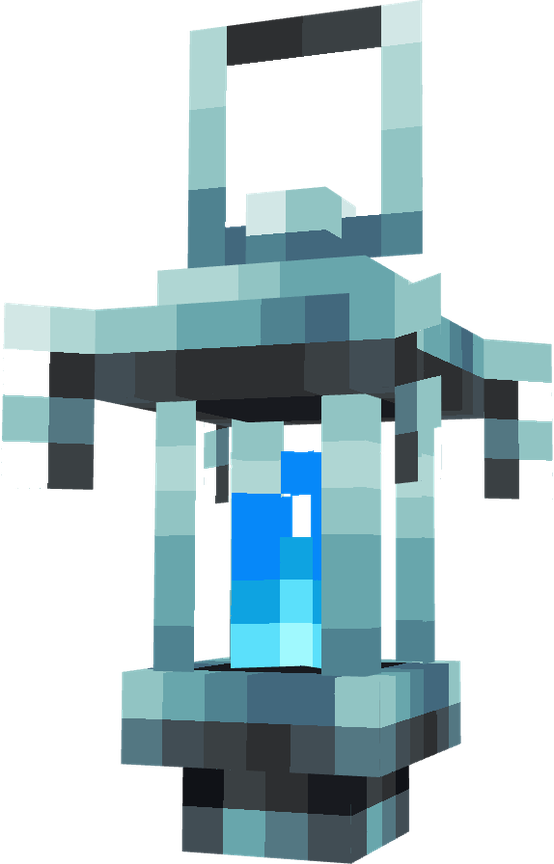
Soul orbs can collect into a Soul Cage from:
- Offhand
- Hotbar
- Main inventory
The first Soul Cage found in those locations receives the collected units.
2. Collect Souls
Kill mobs while a player is near the death location. If a soul orb drops, it hovers at the mob's death position and then homes to the nearest player in collection range who has a Soul Cage.
Soul drops only happen when at least one living, non-spectator player is within 30 blocks of the death location. Soul orbs also remove themselves if no living, non-spectator player stays within 30 blocks.
3. Place A Statue
Craft and place either statue:
- Angel Statue for broad, balanced upgrades.
- Demon Statue for focused, random-stat upgrades.
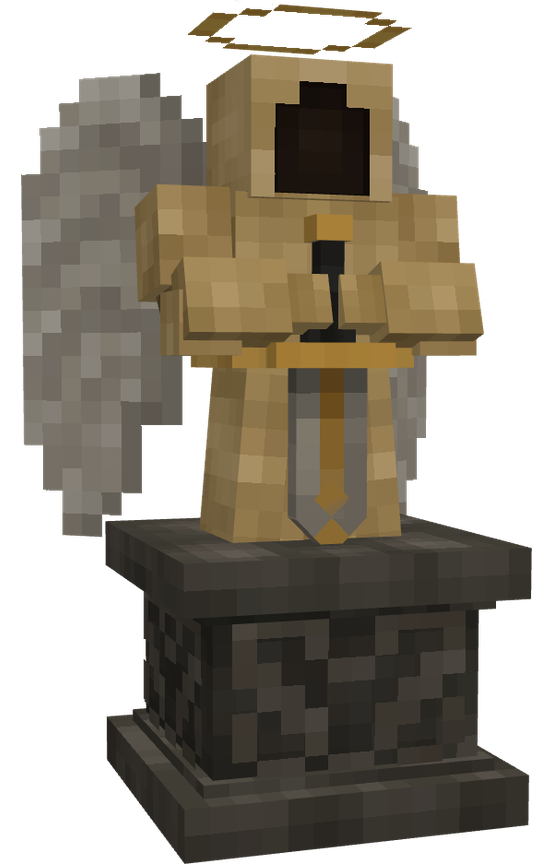
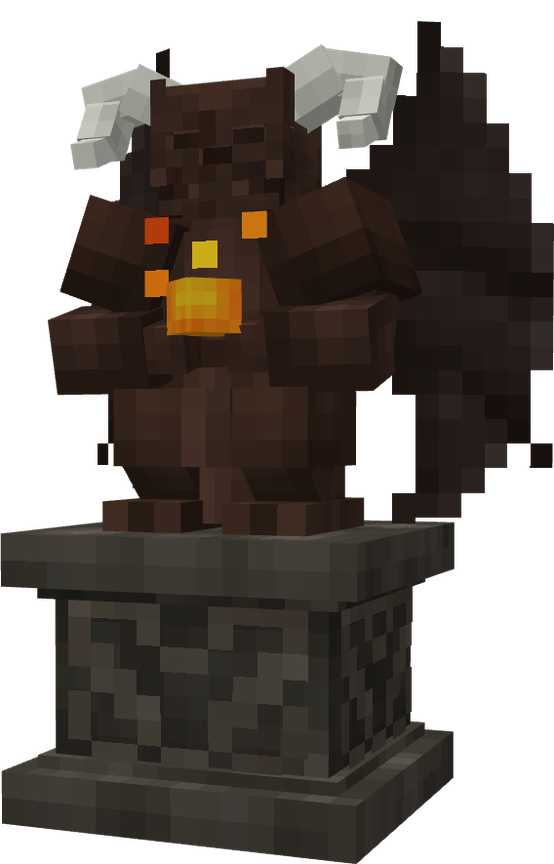
Right-clicking a statue opens the infusion UI for that side.
4. Insert Gear And Souls
The UI has three ritual slots:
- Left slot: upgradeable gear.
- Right slot: Soul Cage.
- Output slot: preview/result.
The details panel shows success chance, soul cost, reputation effect, possible upgrades, current totals, and recent history.
5. Infuse
When you press the infuse button:
- The server checks the item, Soul Cage, soul cost, and pending state.
- The required souls are consumed.
- The item is removed from the input while the ritual is pending.
- The attempt result is decided server-side.
- After the ritual delay, the output slot receives either the upgraded result or the downgraded item.
The menu stores its ritual slots on the player while the UI is open, but you should still take the output result before starting another attempt. The output slot is the handoff point for the finished item.
Support This Project
Like this wiki and these mods?
Every bit of support helps me keep building features, writing docs, and shipping updates.