Scrolls
Scrolls are Feathered Friend's courier mail item flow.
TLDR:
- Craft Unsealed Scroll.
- Write message + choose recipient.
- Optionally attach items.
- Sign.
- Apply etched seal stamp.
- Give sealed scroll to your tamed raven.
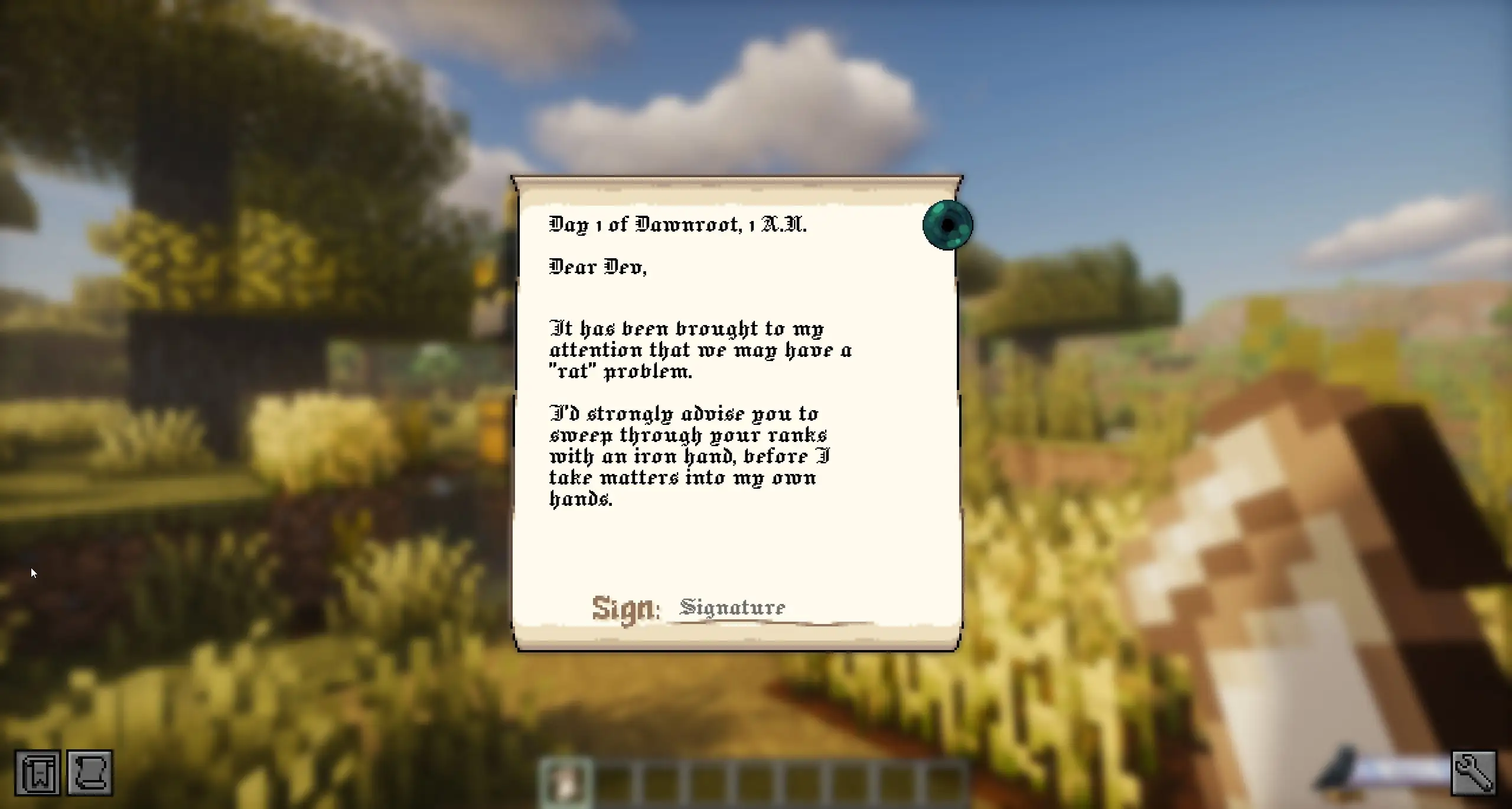
Crafting: Unsealed Scroll
Two paper stacked vertically (1-wide; any column).


Writing the scroll
Right-click Unsealed Scroll to open the editor.
Recipient picker
Click the recipient line while empty to open player picker overlay.
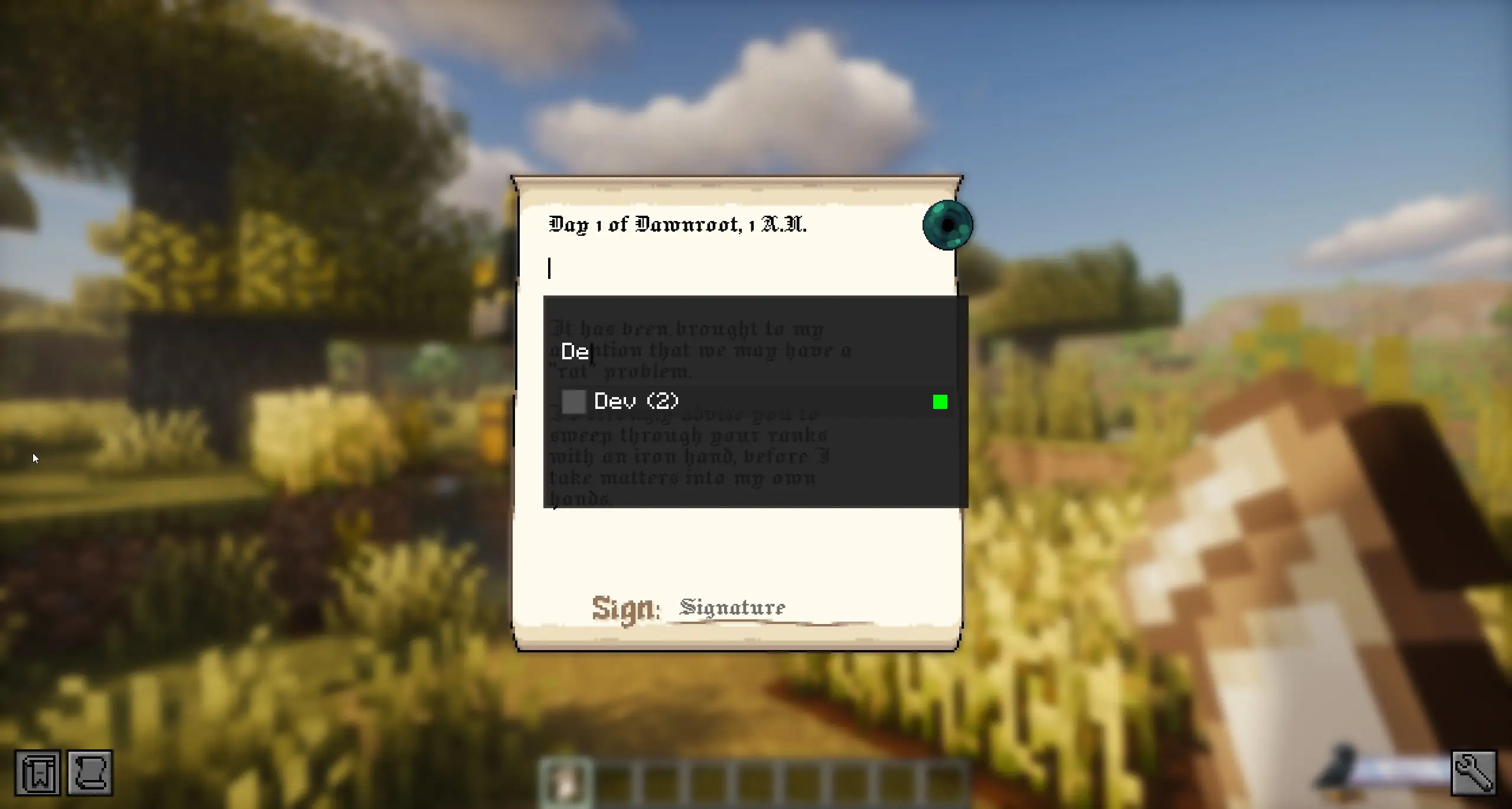
What the list shows:
- online/offline state
- known mailbox count for each player
Recipient text vs target identity
Choosing a player stores recipient UUID as target. Editing visible recipient text afterward does not change that target.
To retarget, clear recipient line fully and select again.
Attachments (optional)
You can attach up to 9 stacks.
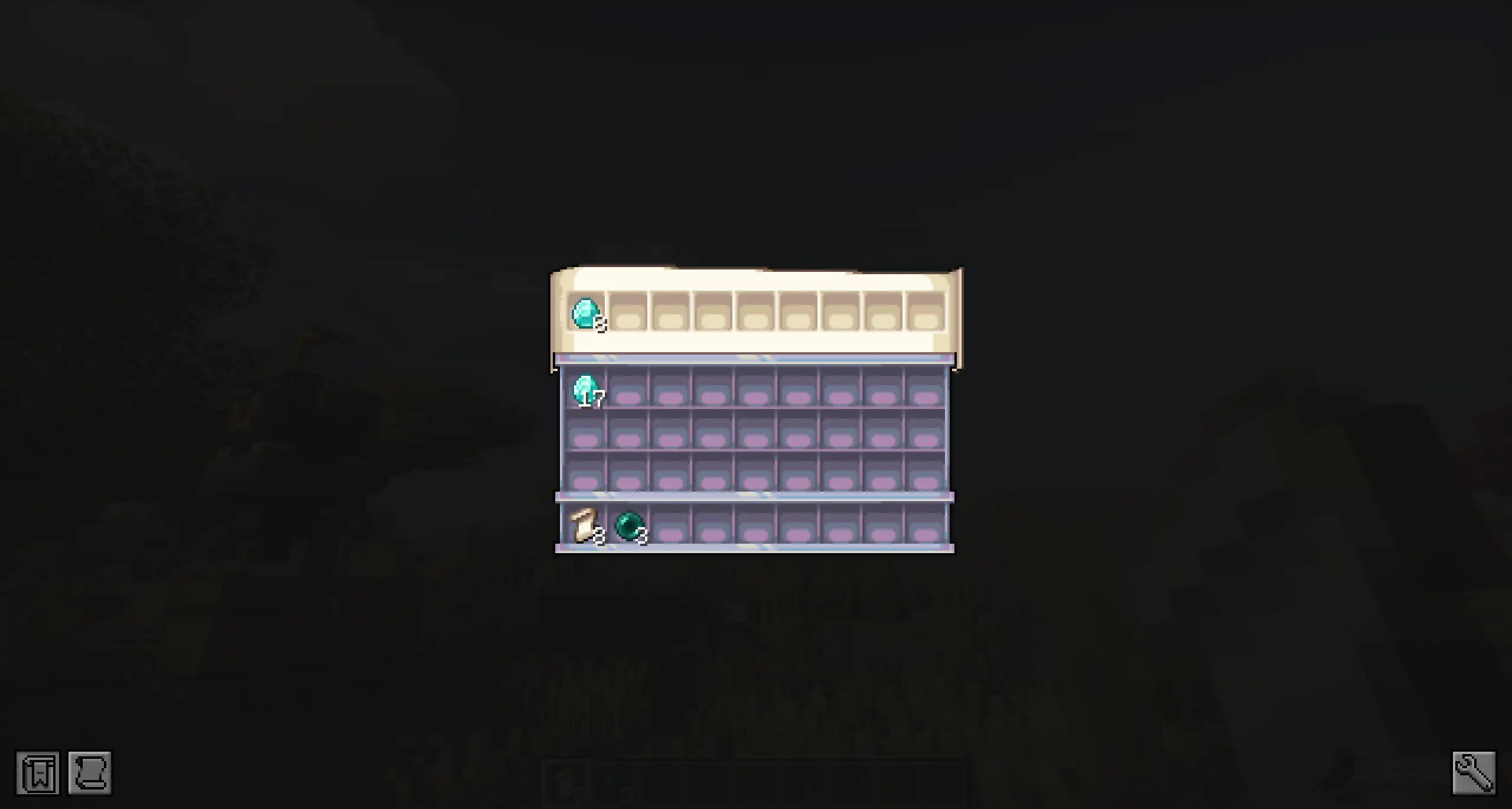
Rules:
- requires Ender Pearl present for adding attachments
- sealing attached scroll consumes 1 Ender Pearl
- canceled/unsealed edits return attachments (or drop if inventory full)
Signing and sealing
Signing finalizes text, then sealing applies wax+sigil.
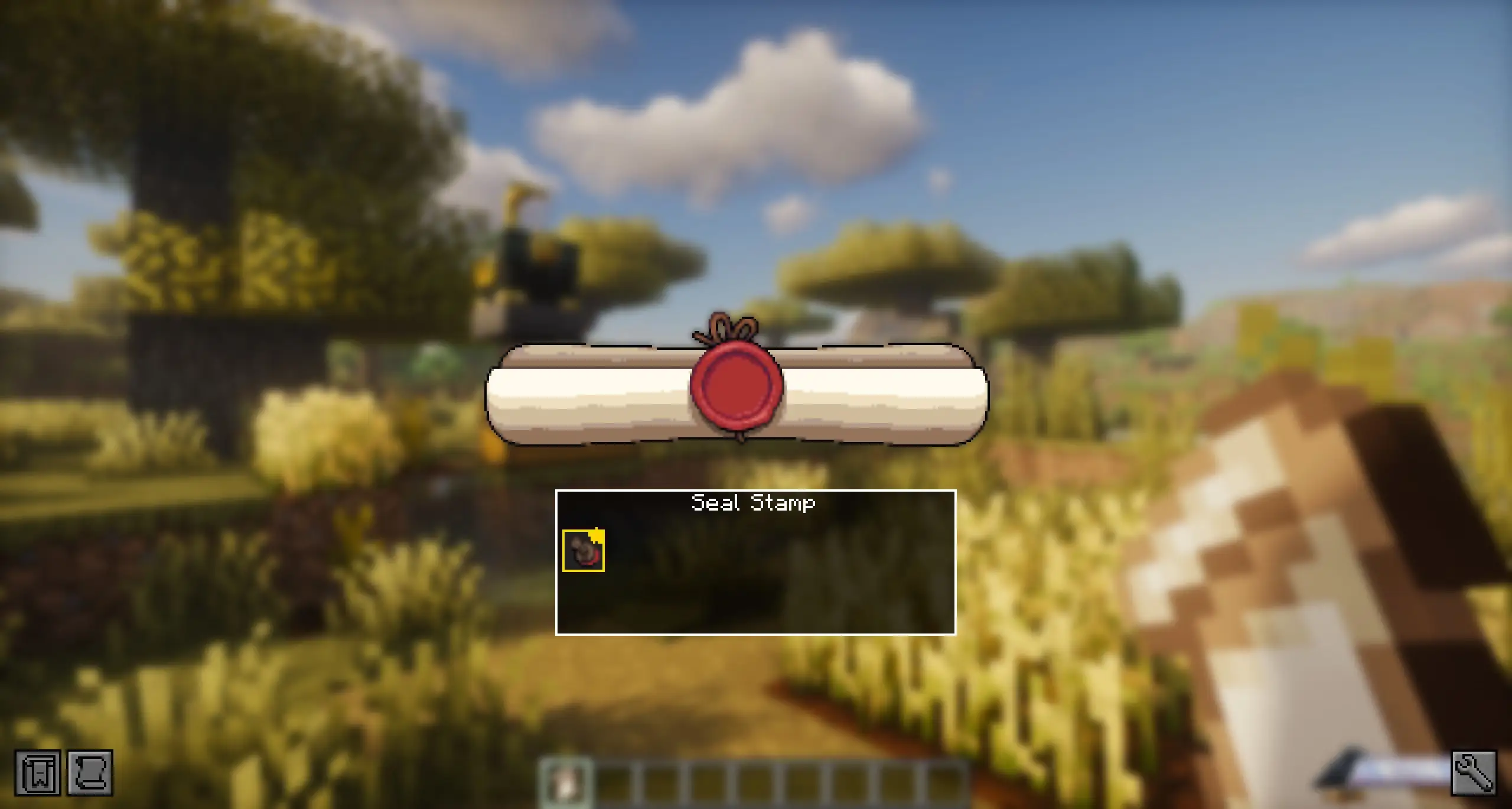
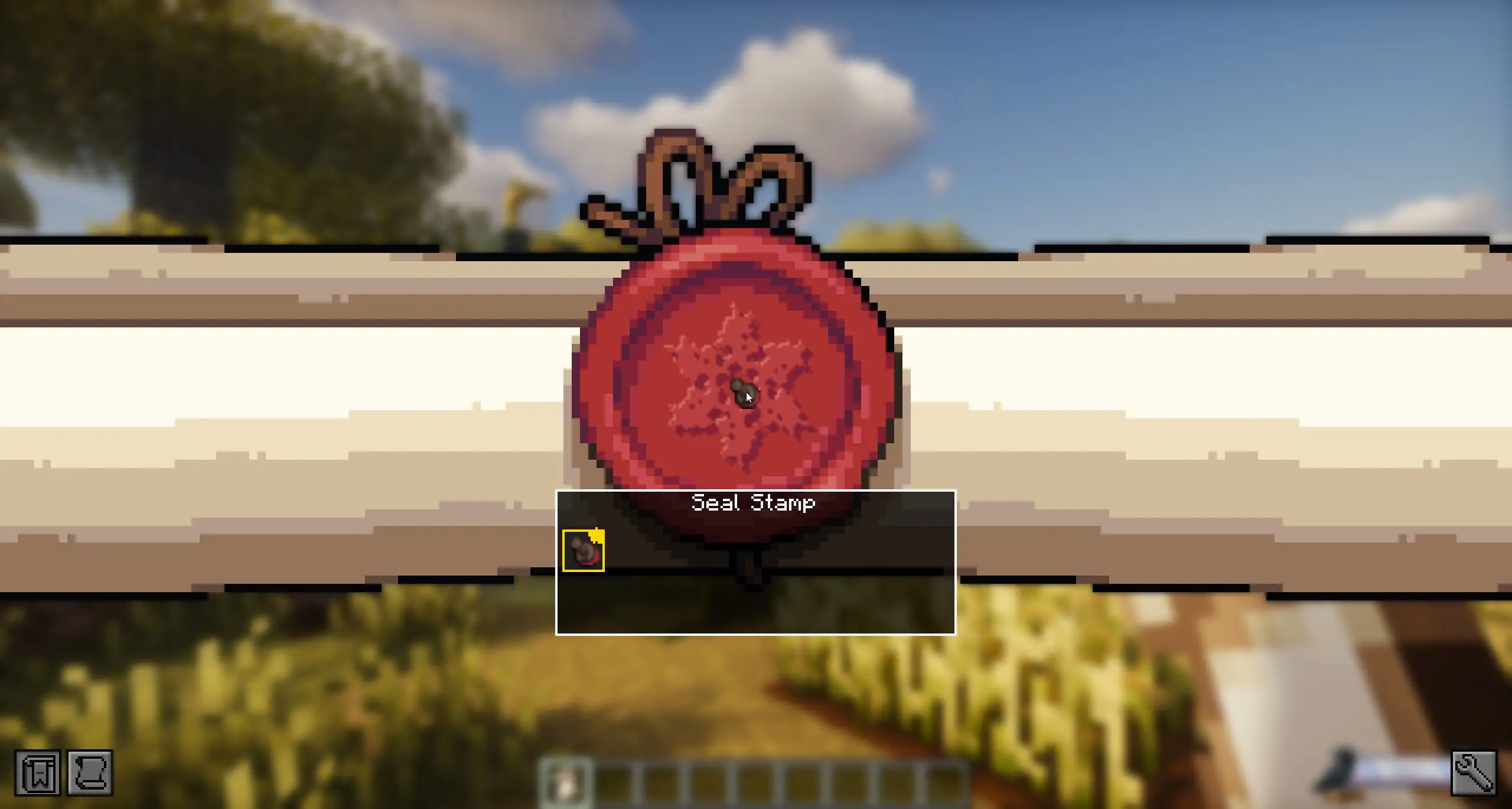
Rules:
- only etched stamps can seal
- 1 Unsealed Scroll becomes 1 Sealed Scroll
For stamp internals/favorites see Sigils.
Sending (courier raven)
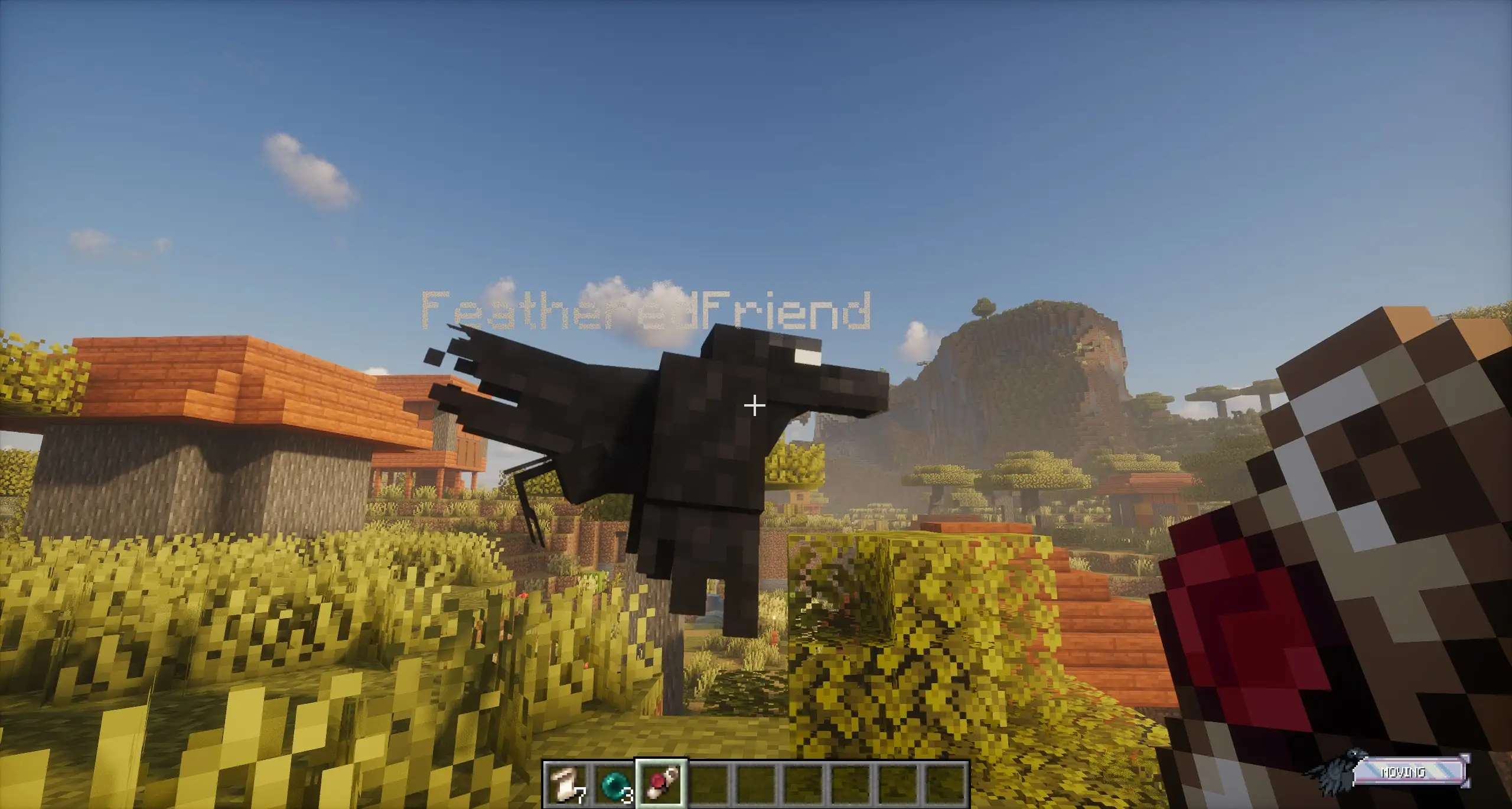
Hold Sealed Scroll and right-click your tamed raven.
Dispatch cooldown
Server config scrollDeliveryCooldownSeconds limits how often a player can dispatch new scroll jobs.
Receiving and retrieval
Right-click courier raven to retrieve delivered scroll:
- inventory space: goes to inventory
- full inventory: drops near player
Any nearby player can take the scroll by interacting first.
OFFLINE DELIVERY
If recipient is offline and a mailbox is known, courier runtime can redirect delivery into mailbox flow.
Opening and claiming attachments
Right-click a Sealed Scroll, then click wax seal:
- converts to Opened Scroll
- text becomes read-only
For attachments:
- Break seal.
- Open attachment inventory via Ender Pearl icon.
- Take items (shift-click supported).
Unclaimed attachment items are auto-delivered on close, or dropped if inventory is full.
DEEP DIVE: anti-duplication path
On seal-break, server converts scroll_sealed to scroll_opened, moves needed data forward, and removes attachment payload from the opened item state. Attachment transfer is server-side and gated on actual seal break.
Support This Project
Like this wiki and these mods?
Every bit of support helps me keep building features, writing docs, and shipping updates.