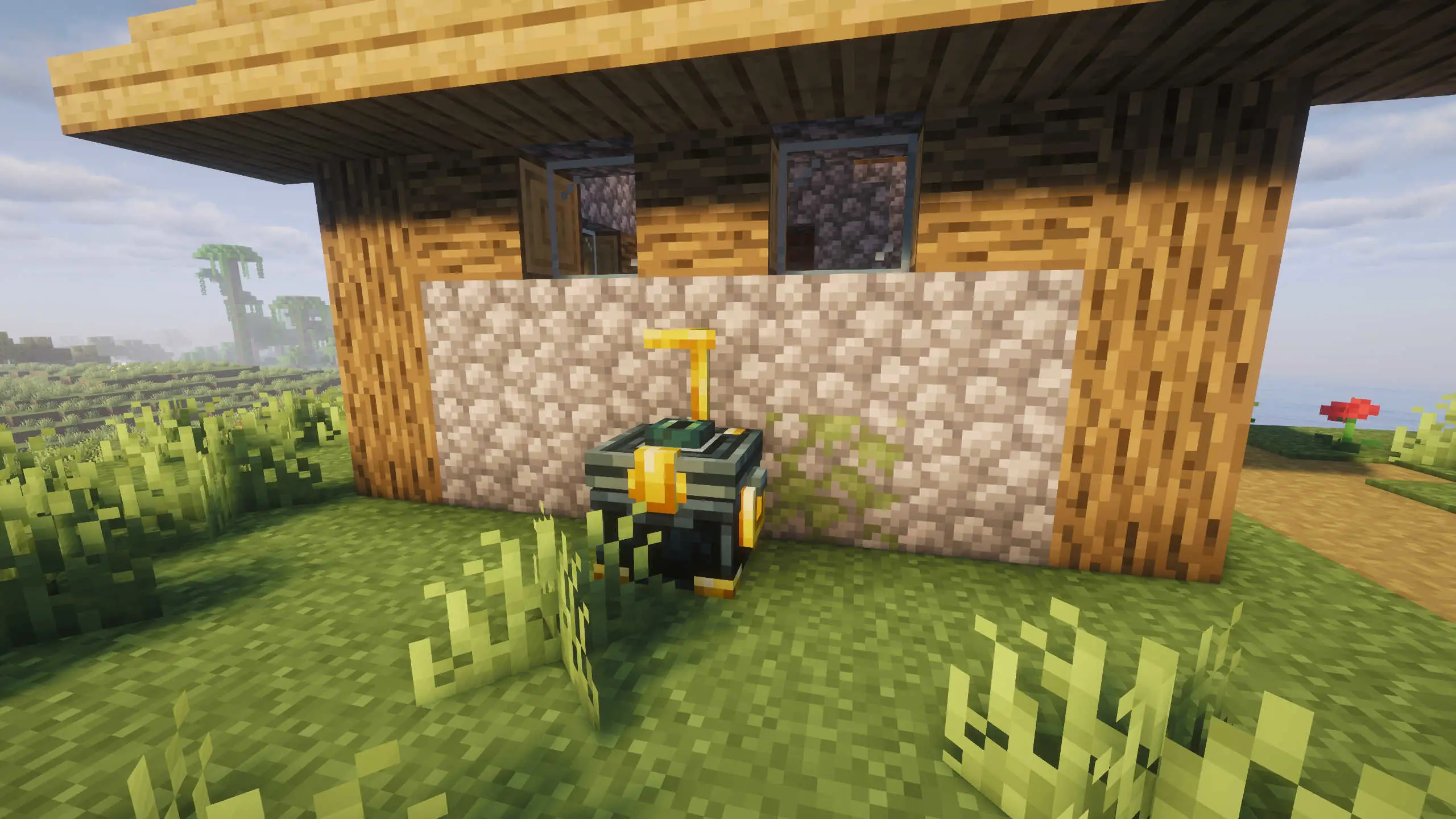
Suspicious Chest
- Suspicious Chest* is the in-game name for
featheredfriend:raven_chest.
This block is both:
- a normal 27-slot container
- a registered target for raven perch + Enderpack deposit workflows
The same chest picker UI is used for two different actions: Perch Assignment and Enderpack Deposit.
Crafting
Recipe (raven_chest.json):


Core behavior
- Container size: 27 slots (
RavenChestMenu/RavenChestBlockEntity). - Can be opened directly like a normal container.
- Registered per owner in server-side
RavenChestRegistryData.
Placement limit and registration
When placed (and feature enabled):
- Server checks
ravenChestsPerPlayer(default 3). - At cap, placement is canceled and the chest item is refunded.
- If valid, chest is registered with owner UUID + dimension + block position + label.
After placement, a label screen opens so you can set a persisted server-side label.
DEEP DIVE: availability
In pickers, a chest can be registered but still shown as Unavailable under the active cap/rules. Registered entries can also be pruned later if the target block becomes invalid.
Perch assignment (Ender Eye flow)
With a scroll-summoned raven:
- Hold an Ender Eye.
- Right-click your raven.
- Pick a valid registered chest target.
Validation:
- chest must be owned by you
- target must still be registered and available
- raven must be in the same dimension as target
- one Ender Eye is consumed from hand/offhand
On success, raven is assigned to that chest perch and moved into perch pose.
Enderpack deposit workflow
For the full item behavior see Enderpack. On this page, this is the chest-side flow:
- Use empty hand or Enderpack in hand on a scroll-summoned raven.
- Pick a chest in Enderpack Deposit mode.
- Server runs workflow:
- snapshot Enderpack storage
- move raven to chest perch
- scripted chest open
- transfer items into chest
- return raven and restore Enderpack/state
Important rules:
- Cooldown:
enderpackDepositCooldownSeconds(default 600s). - One active Enderpack deposit workflow per owner.
- Invalid/changed target states trigger safe rollback and return flow.
Scroll courier interaction
If a courier job is created from a raven with a perch assignment:
- With Suspicious Chest enabled, raven can stay perched with sealed scroll while queued/offline logic runs.
- With Suspicious Chest disabled, special perch behavior is skipped and normal dispatch flow is used.
Feature toggle behavior
enableSuspiciousChest controls special logic, not block existence:
- Existing Suspicious Chest blocks/items are not deleted.
- Direct storage access stays available.
- Perch assignment + Enderpack deposit workflows are disabled.
Disabling Suspicious Chest does not wipe chest inventories. It only disables Feathered Friend runtime behaviors tied to that block.
Support This Project
Like this wiki and these mods?
Every bit of support helps me keep building features, writing docs, and shipping updates.