Sigils
Sigils are the wax-seal designs applied to scrolls.
They are cosmetic, but they also:
- define the seal style stamped on the scroll
- lock in the sender identity shown from the stamp owner data
Carving a Seal Stamp is one-way. If you want a different sigil later, craft another stamp.
Examples
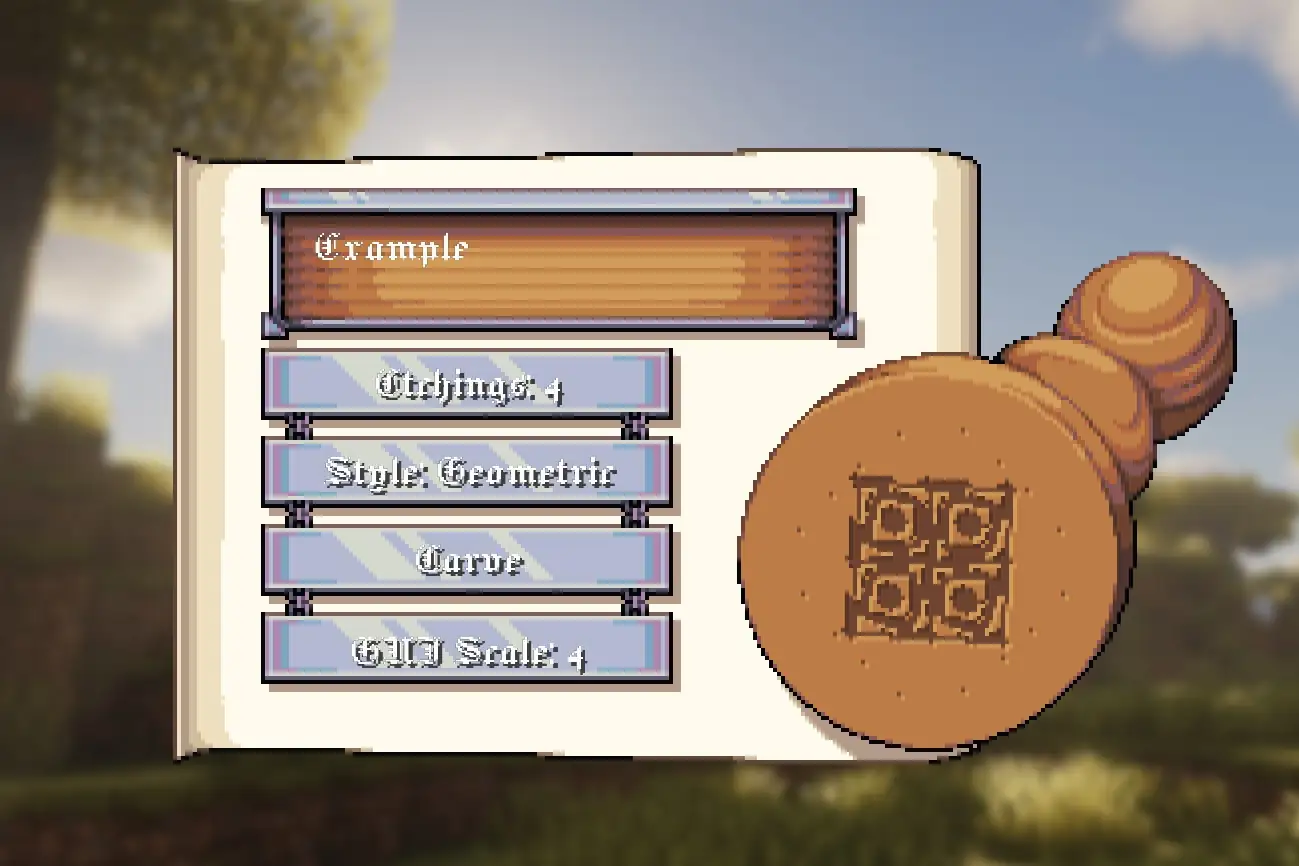
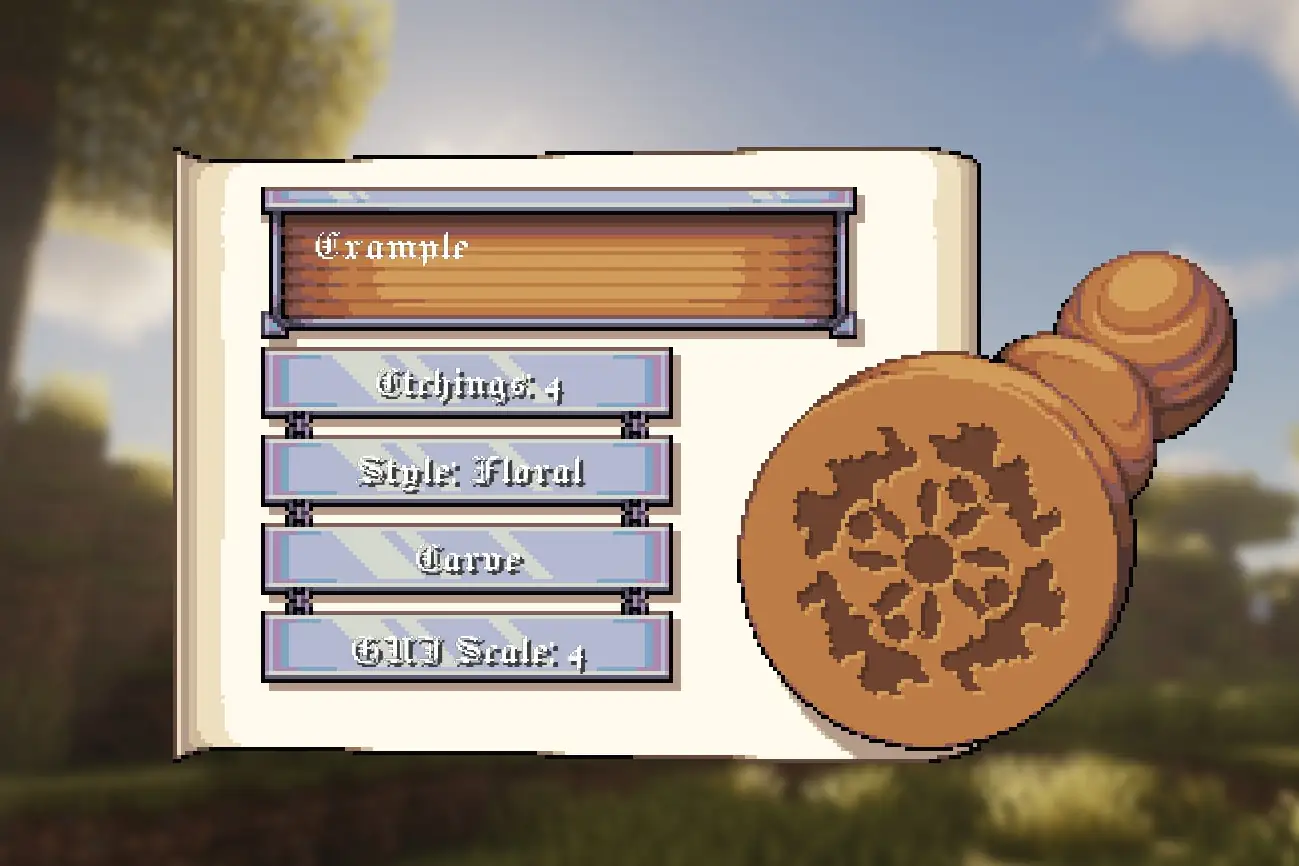
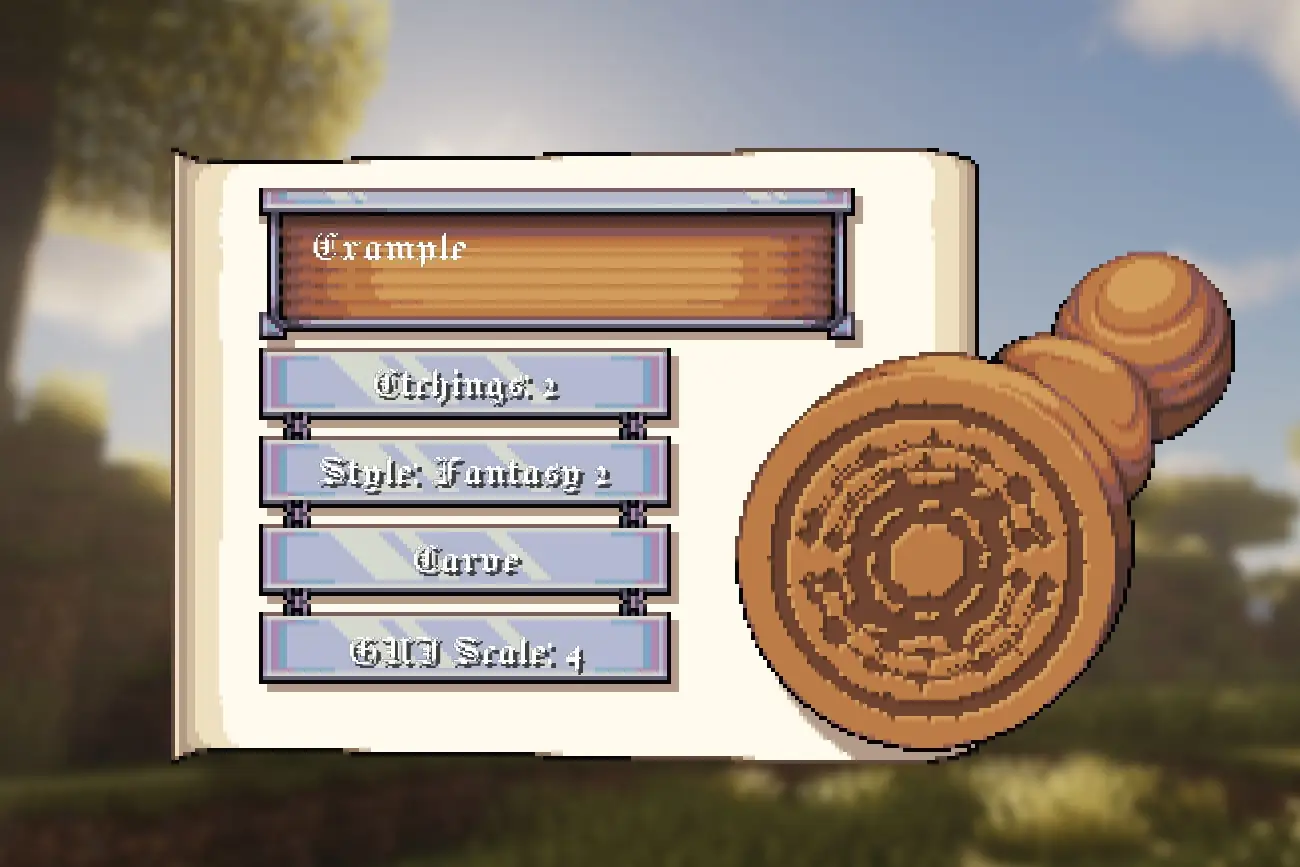
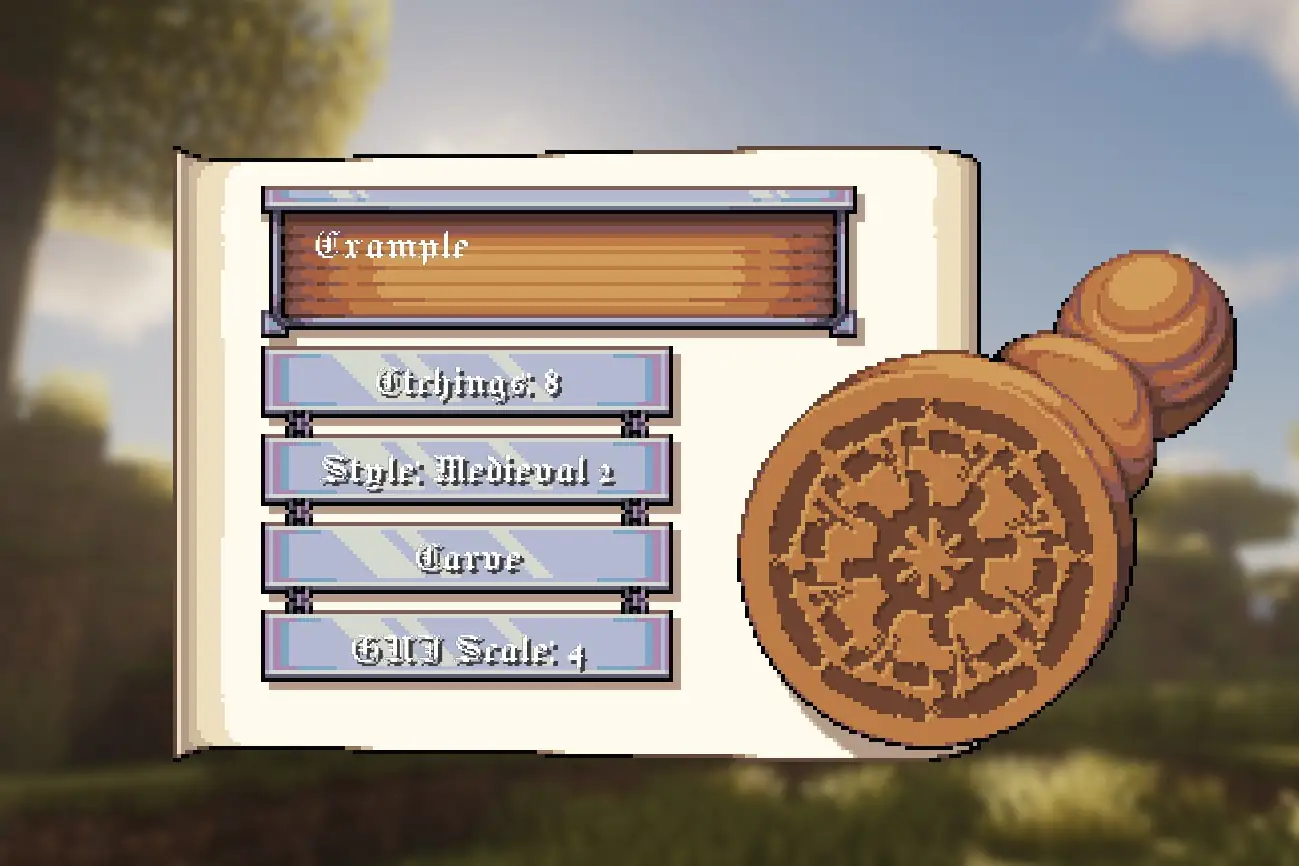
Crafting the Seal Stamp
Any planks work (oak/spruce/birch/etc). The recipe is 1-wide, so it can be crafted in any column.


Carving your sigil
- Hold a Seal Stamp.
- Right-click to open the carving screen.
- Enter a Secret (up to 2 lines / 52 chars total).
- Choose:
- Etchings (2-8)
- Style (Medieval/Fantasy/Floral/Geometric variants)
- Press Carve.
Carving takes about 1 second and the stamp becomes Etched.
Stamping a scroll
- Open an Unsealed Scroll and finish writing/signing.
- At SEALED phase, stamp picker opens.
- Left-click a stamp to select it.
- Click wax area to apply stamp.
Favorite stamps
In the stamp picker:
- Left-click = select stamp
- Right-click = toggle favorite stamp
Favorites are client-side and persist in client config.
DEEP DIVE: Curios support
If Curios is installed, the selector can read Seal Stamps from Curios slots in addition to normal inventory.
How sigils are generated
A carved design is generated from:
- Secret -> hashed to 64-bit seed (SHA-256 based)
- Etchings -> slice count
- Style -> shape set
Same Secret + Etchings + Style gives the same sigil result.
DEEP DIVE: stored data
Seal Stamp item (CustomData.SealStamp):
OwnerSeedSlicesShapeSet
Sealed Scroll item (CustomData.SealedScroll):
SeedSlicesStyle
Secret text itself is not copied into the sealed scroll.
Support This Project
Like this wiki and these mods?
Every bit of support helps me keep building features, writing docs, and shipping updates.